Angkor BIM
កម្មវិធីជំនួយ និងដំណោះស្រាយ វិស្វកម្មឌីជីថល
ផ្តល់ជូនដំណោះស្រាយ BIM គ្រប់ជ្រុងជ្រោយ រួមមាន Automation Tools, Revit Plugins (QS, Model, Rebar) និងសេវាកម្មប្រឹក្សាវិស្វកម្ម ដើម្បីជួយឱ្យការងាររចនា សម្របសម្រួល និងគ្រប់គ្រងគម្រោងមានភាពលឿន សុក្រឹត និងប្រសិទ្ធភាពខ្ពស់បំផុត។
3+
Revit Plugins100%
សុក្រឹតភាពបច្ចេកទេស24/7
Support & Updatesគុណភាព & ទំនុកចិត្ត
ស្របតាមស្តង់ដារអន្តរជាតិតើអ្វីទៅជា Angkor BIM?
Angkor BIM គឺជាវេទិកាឌីជីថលសម្រាប់ Building Information Modeling (BIM) ដែលរួមបញ្ចូលកម្មវិធីជំនួយ (Plugins), ឧបករណ៍ស្វ័យប្រវត្តិកម្ម និងសេវាកម្មវិស្វកម្ម ដើម្បីគាំទ្រដល់ការរចនា ការគ្រប់គ្រង និងការអនុវត្តគម្រោងសំណង់ប្រកបដោយប្រសិទ្ធភាពខ្ពស់។
Angkor BIM QS
កម្មវិធីដកបរិមាណ (Quantities Takeoff & BOQ) យ៉ាងរហ័សពីគម្រោង Revit ផ្ទាល់។ កាត់បន្ថយការងារគណនាដោយដៃរហូតដល់ 80% និងទាញទិន្នន័យទៅជា Excel ដោយស្វ័យប្រវត្តិ។
ព័ត៌មានលម្អិតAngkor BIM Model
ឧបករណ៍បង្កើតម៉ូដែល 3D Revit Model ដោយស្វ័យប្រវត្តិតាមរយៈប្លង់ CAD 2D និងមុខងារ Purge Management ជួយកាត់បន្ថយទំហំ File និងបង្កើនល្បឿនដំណើរការគម្រោង។
ព័ត៌មានលម្អិតAngkor BIM Rebar
កម្មវិធីជំនាញសម្រាប់ការគូរ និងគណនាដែកសរសៃ (Rebar Detailing & BBS) ក្នុង Revit ដោយស្វ័យប្រវត្តិ ធានាបាននូវភាពលម្អិត កាត់បន្ថយការខាតបង់ដែកនៅការដ្ឋាន។
ព័ត៌មានលម្អិតជាវកញ្ចប់ពិសេស Angkor BIM Bundle (3 ក្នុង 1)
ទទួលបាន Plugins ទាំង 3 (QS + Model + Rebar) ក្នុងតម្លៃត្រឹមតែ $100 / ឆ្នាំ (តម្លៃដើម $150) ចំណេញភ្លាមៗ $50 ព្រមទាំងទទួលបានការ Support ពេញមួយឆ្នាំ!
សេវាកម្មវិស្វកម្ម និង BIM
ក្រៅពីការបង្កើត Software ជំនួយ Angkor BIM ក៏ផ្តល់នូវសេវាកម្មប្រឹក្សា និងអនុវត្តការងារបច្ចេកទេសសំណង់តាមស្តង់ដារអន្តរជាតិ។
Plugin Development
សេវាកម្មសរសេរកូដបង្កើត Plugin សម្រាប់ Autodesk Revit, AutoCAD និងកម្មវិធីផ្សេងៗ ដើម្បីដោះស្រាយបញ្ហាជាក់ស្តែងរបស់ក្រុមហ៊ុន។
ស្វែងយល់បន្ថែមStructural Design
សេវាកម្មគណនាគ្រឿងបង្គុំអគារគ្រប់ប្រភេទ (Structural Design & Analysis) ប្រកបដោយសុវត្ថិភាព គុណភាពខ្ពស់ និងស្របតាមស្តង់ដារ ACI, Eurocode ។
ស្វែងយល់បន្ថែមRevit Model (BIM)
សេវាកម្មគូរប្លង់ និងបង្កើត 3D Model លម្អិត (LOD 300 - LOD 500) ទាំងផ្នែកស្ថាបត្យកម្ម គ្រឿងបង្គុំ និងប្រព័ន្ធទឹកភ្លើង (MEP) ។
ស្វែងយល់បន្ថែមRevit Shop Drawing
សេវាកម្មរៀបចំប្លង់ Shop Drawing ដែលមានភាពច្បាស់លាស់ ងាយស្រួលយល់ និងត្រឹមត្រូវតាមស្តង់ដារសម្រាប់ការសាងសង់ជាក់ស្តែងនៅការដ្ឋាន។
ស្វែងយល់បន្ថែមCost Estimation (5D BIM)
សេវាកម្មគណនាបរិមាណ (BOQ) និងប៉ាន់ប្រមាណតម្លៃគម្រោងដោយប្រើប្រាស់ 5D BIM ដែលធានាបាននូវភាពសុក្រឹតខ្ពស់ ងាយស្រួលផ្ទៀងផ្ទាត់។
ស្វែងយល់បន្ថែមProject Planning (4D BIM)
ផែនការ និងកាលវិភាគនៃការសាងសង់ (4D BIM Sequencing) ដើម្បីឱ្យគម្រោងដំណើរការទៅដោយរលូន គ្រប់គ្រងពេលវេលា និងថវិកាបានល្អ។
ស្វែងយល់បន្ថែមគុណសម្បត្តិលេចធ្លោរបស់ Angkor BIM
យើងប្តេជ្ញានាំយកបច្ចេកវិទ្យាទំនើបមកជួយវិស្វករ និងស្ថាបត្យករខ្មែរឱ្យធ្វើការកាន់តែលឿន និងមានប្រសិទ្ធភាពខ្ពស់។
អភិវឌ្ឍន៍ដោយកូនខ្មែរ
យល់ច្បាស់ពីតម្រូវការ និងបញ្ហាប្រឈមក្នុងវិស័យសំណង់ជាក់ស្តែងនៅកម្ពុជា។
ល្បឿន & សុក្រឹតភាព
កាត់បន្ថយពេលវេលាធ្វើការងារដដែលៗ និងកាត់បន្ថយកំហុស Human Error។
តម្លៃសមរម្យបំផុត
ត្រឹមតែ $50/ឆ្នាំ សម្រាប់ Plugin នីមួយៗ ឬ $100 សម្រាប់កញ្ចប់ Bundle ទាំង 3។
គាំទ្របច្ចេកទេសផ្ទាល់
Support និងដោះស្រាយបញ្ហាបច្ចេកទេសរហ័សតាម Telegram និងទូរស័ព្ទ។
ត្រៀមខ្លួនបង្កើនប្រសិទ្ធភាពការងារហើយឬនៅ?
ប្រសិនបើអ្នកមានចម្ងល់ ចង់ជាវផលិតផល ឬចង់ចូលរួមចំណែកគាំទ្រដល់ការអភិវឌ្ឍន៍របស់ពួកយើង សូមទាក់ទងមកកាន់យើងខ្ញុំ។
ទាក់ទងតាម Telegram
ជជែកផ្ទាល់ជាមួយក្រុមការងារ Angkor BIM ដើម្បីសាកសួរព័ត៌មាន ឬបញ្ជាទិញ License កម្មវិធីជំនួយ។
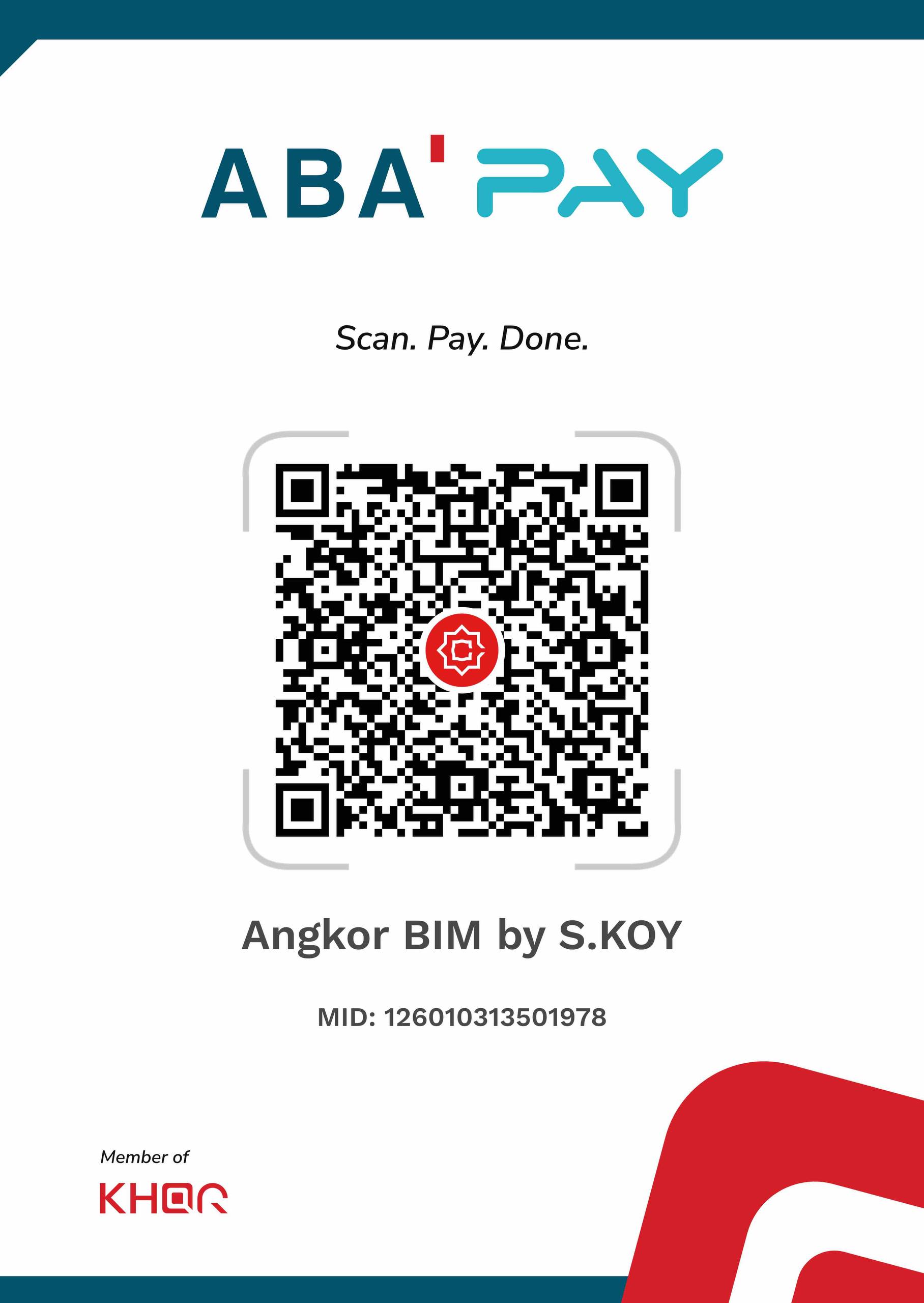
ផ្ញើសារ Telegram (@angkorbim168)ចូលរួមឧបត្ថម្ភ (Donate)
ចូលរួមគាំទ្រដល់ការអភិវឌ្ឍន៍កម្មវិធី និងមាតិកាថ្មីៗបន្ថែមទៀតពីក្រុមការងារវិស្វករកម្ពុជា។